Proof approvals for print shops
Send the proof. Get the yes. Know who said it.
PrintersProof sends your proofs, lets clients mark up and approve them right in the browser, and tracks every approval, so nothing goes to press on a maybe.
No credit card. Clients never need an account. trial terms TBD
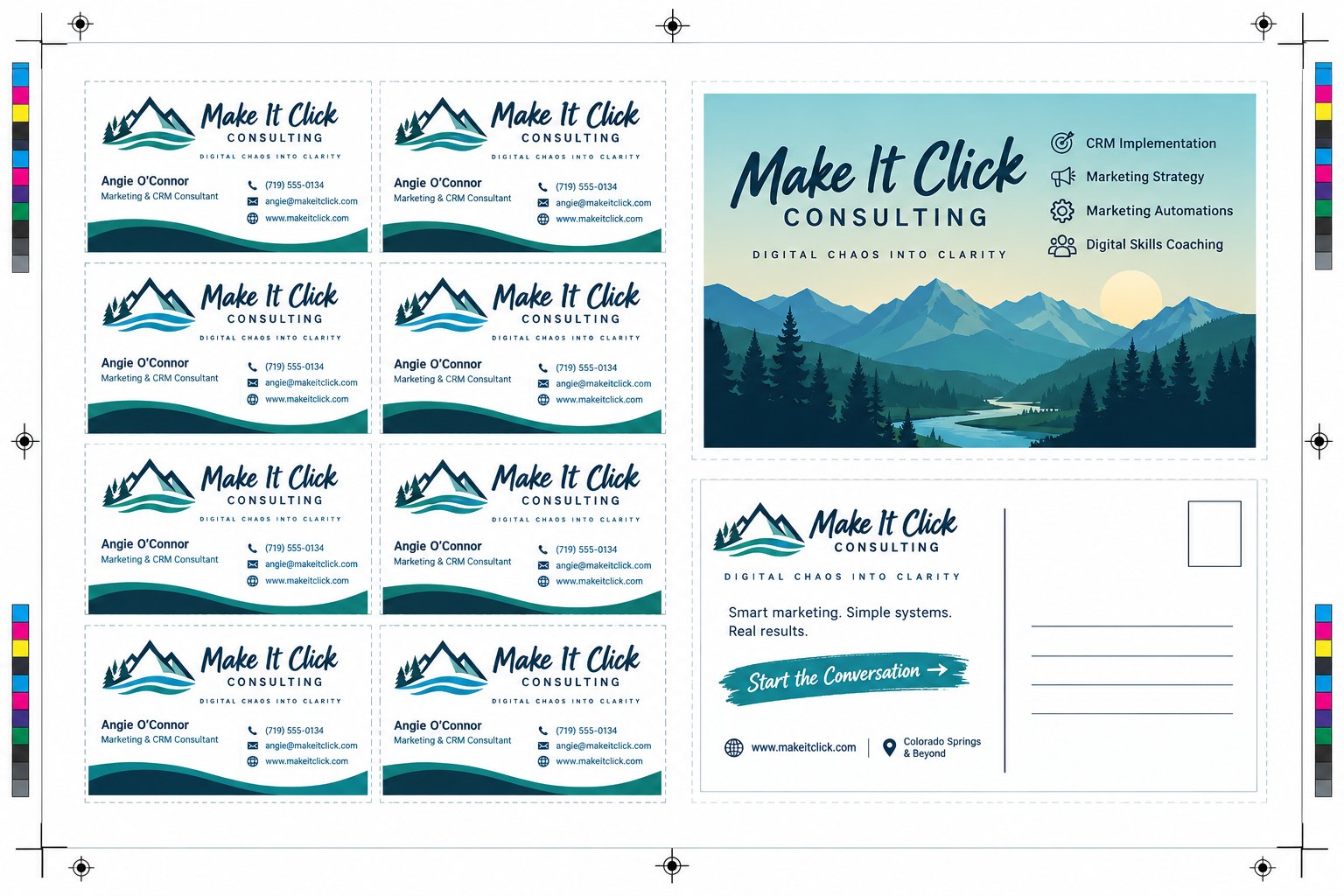
business-cards.pdf Version 4
Due: Fri, Nov 6
Powered by  PRINTERSPROOF.APP
Built on the shop floor with

How it works
From upload to press in four steps
No more chasing approvals through email threads, texts and phone calls.
- 1
Upload the proof
Type the job #, PrintersProof finds the client list in your Google Sheet, and you drop in the art. Set when review starts and when approvals are due.
- 2
Clients review in the browser
Each client gets a private link by email or text. No account, no password. They zoom, measure, drop pins, draw on the proof, comment, and hit Approve.
- 3
PrintersProof chases the approvals
Automatic reminders go to whoever still needs to approve, and every morning your sales team gets a digest of what's waiting on them.
- 4
Print with confidence
When everyone's signed off you know exactly who approved which version, when, and how. Send it to press.
Version compare
See exactly what changed between versions
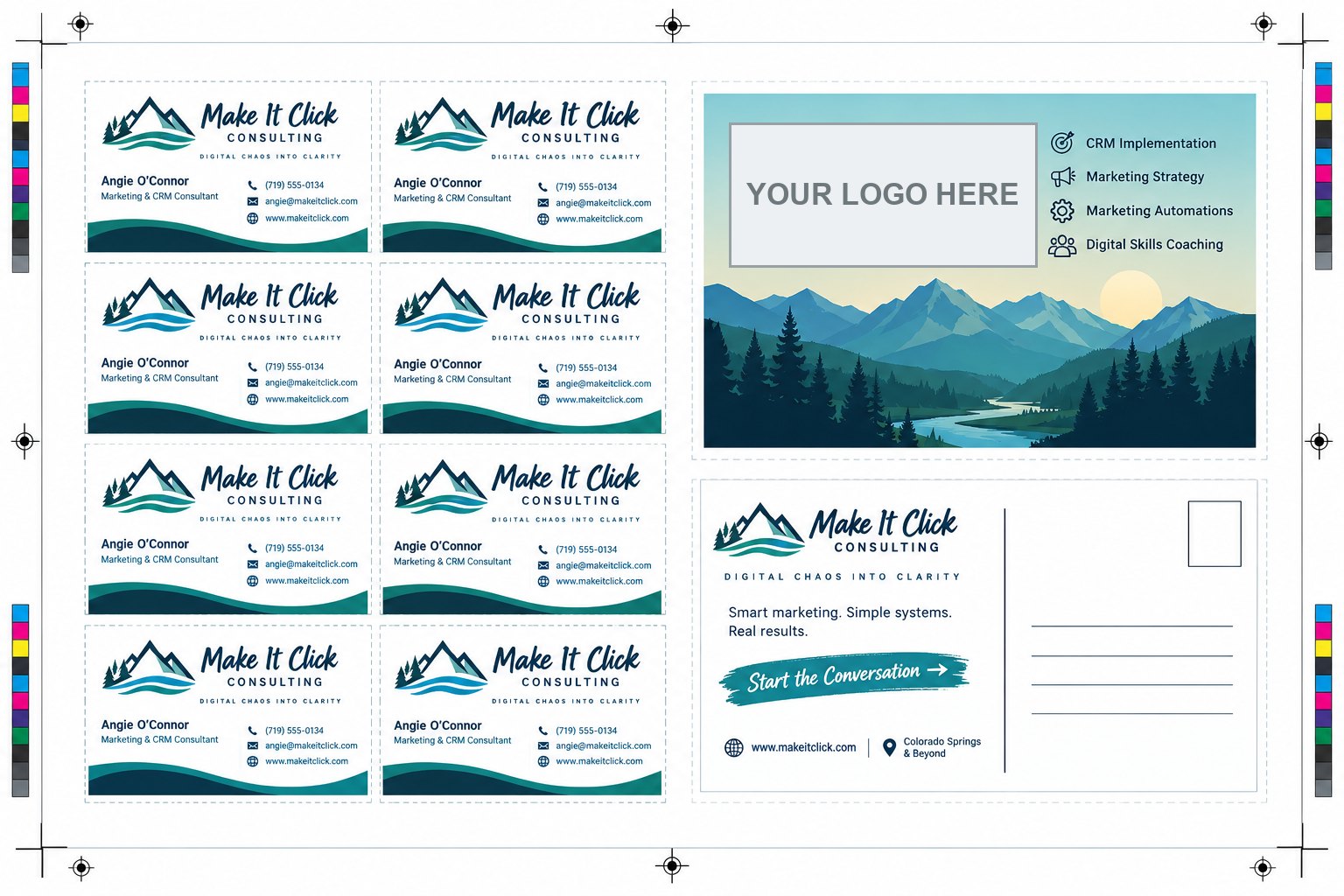
Clients and staff slide between versions right on the proof. Try it: drag the handle.
- Up to 8 revisions per job, every one kept
- Only approvals on the latest version count
- A new version emails clients automatically
Track every approval
One list that tells you what's stuck
Every active job with its % approved, who it's waiting on, and when it's due. Overdue jobs turn yellow, priority jobs pin to the top.
- Filter by salesperson, artist, status and date
- Mark a client approved when they say yes by email or text
- Send a reminder to one client or everyone waiting
 50%
50%★Make It Click — cards & postcard
Dana R. · Approve by Nov 6
Revision request!
75%Riverside 5K — race shirts
12 clients · Approve by Nov 2
Overdue: waiting on clients
0%Lakeview Dental — postcards
Front desk · Approve by Nov 9
Needs sales approval
100%Spring Gala — programs
4 clients · Approve by Nov 12
Approved
Works with your sheets
Your client lists stay in Google Sheets
Name a sheet with the job # and PrintersProof finds it. Client edits in the app write back to the sheet, and approval dates fill themselves in.
- Two-way sync, matched by a hidden ID so sorting never breaks it
- Open the job's Drive folder or sheet in one click
- Paste-ready column headers to start a new sheet
| Client | Date Approved | Approval Type | |
|---|---|---|---|
| Dana Ruiz | dana@example.com | 10/27 | InApp |
| Marcus Lee | marcus@example.com | 10/28 | |
| Priya Shah | priya@example.com | waiting |
Your brand, our credit
Clients see your shop, not ours
Your logo leads on the proof page, the sign-in page and every email, sent from your domain as your salesperson. PrintersProof is a small line at the bottom.
- Morning digest for each salesperson, with one-click Review & approve
- Automatic reminders on your schedule
- Replies go straight to your salesperson's inbox
Good morning, Sam: 3 jobs need you today
Overdue: needs your approval
Lakeview Dental — postcards
Overdue: waiting on clients
Riverside 5K — race shirts
Needs your approval
Harbor Café — menus
Powered by PRINTERSPROOF.APP
Features
Everything a proof needs, nothing it doesn't
Version compare
Slide between the old and new version to see exactly what changed. Different sizes keep their own proportions.
Markup and pins
Comment pins, arrows, pencil and boxes in any color, pinned to the exact spot on the exact page.
Measure in real inches or cm
Anyone, clients included, can measure between two points at true printed size. Print-ready PDFs just work.
Google Sheets client lists
Keep each job's clients in the sheet you already use. Approvals and dates flow back into it, both ways.
Automatic reminders
Every 2 business days at 10 AM by default, only to clients who still need to approve. Pause any job.
Morning sales digest
Each salesperson starts the day with what needs their approval and which clients are overdue.
Text or email
Send the proof link and reminders by text, right beside email. Or text a quick picture of an ad, filed under the job.
Roles and activity log
Admin, sales and artist logins with the right permissions, and a log of every approval, comment, reminder and edit.
Your logo on everything
Clients see your shop's logo on the proof, the sign-in page and every email. We're a small credit at the bottom.
Pricing
Simple pricing per shop
One price for your whole shop. Clients are always free.
Placeholder plans: pricing not decided yet
Starter
For a small shop getting off email proofs.
$—/ month
- Up to 3 staff
- Up to 25 active jobs
- Unlimited clients per link
- Reminders and activity log
Shop
For a busy shop with a sales team.
$—/ month
- Up to 10 staff
- Unlimited active jobs
- Google Sheets and Drive sync
- Morning sales digest
- Email from your own domain
Multi-location
For shops with more than one storefront.
$—/ month
- Unlimited staff
- Several locations
- Audit export
- Priority support
FAQ
Questions shops ask
Do my clients need an account?+
No. Each client gets a private link by email. Their email address identifies who approved, so there's nothing to sign up for and no password to forget.
What files can I send?+
PDF, JPG and PNG to start, including multi-page PDFs. More formats are on the list.
Do I have to use Google Sheets?+
No. Sheets is handy for jobs with lots of clients (team shirts, events), and PrintersProof keeps it in sync both ways. For a one-client job you just type in their email.
Can I text my clients?+
Yes. Proof links and reminders can go by text as well as email, from your shop's number. There's also a quick text page for sending a picture of an ad without making a whole proof, filed under a job # if you like.
Who do the proof emails come from?+
Your shop. Emails go out from your own domain, show your salesperson's name, and replies land in their inbox. Setup walks you through the DNS records once.
Can clients measure the proof?+
Yes, in real inches or centimeters. Print-ready PDFs carry their size automatically. For a JPG or PNG, your staff set the scale once (crop mark to crop mark) and it works for everyone.
Is the color on screen accurate?+
Screens show an RGB preview of CMYK files, so color is close but not exact. The proof viewer tells clients that, so nobody approves a color match on a phone.
What happens when a client approves outside the app?+
Staff can mark them approved and record how (email or text) and when. It's logged like any other approval.
How does the free trial work?+
Placeholdertrial length and what happens at the end aren't decided yet.
Stop chasing approvals. Let the bee do it.
Set up your shop, add your logo, and send your first proof today.